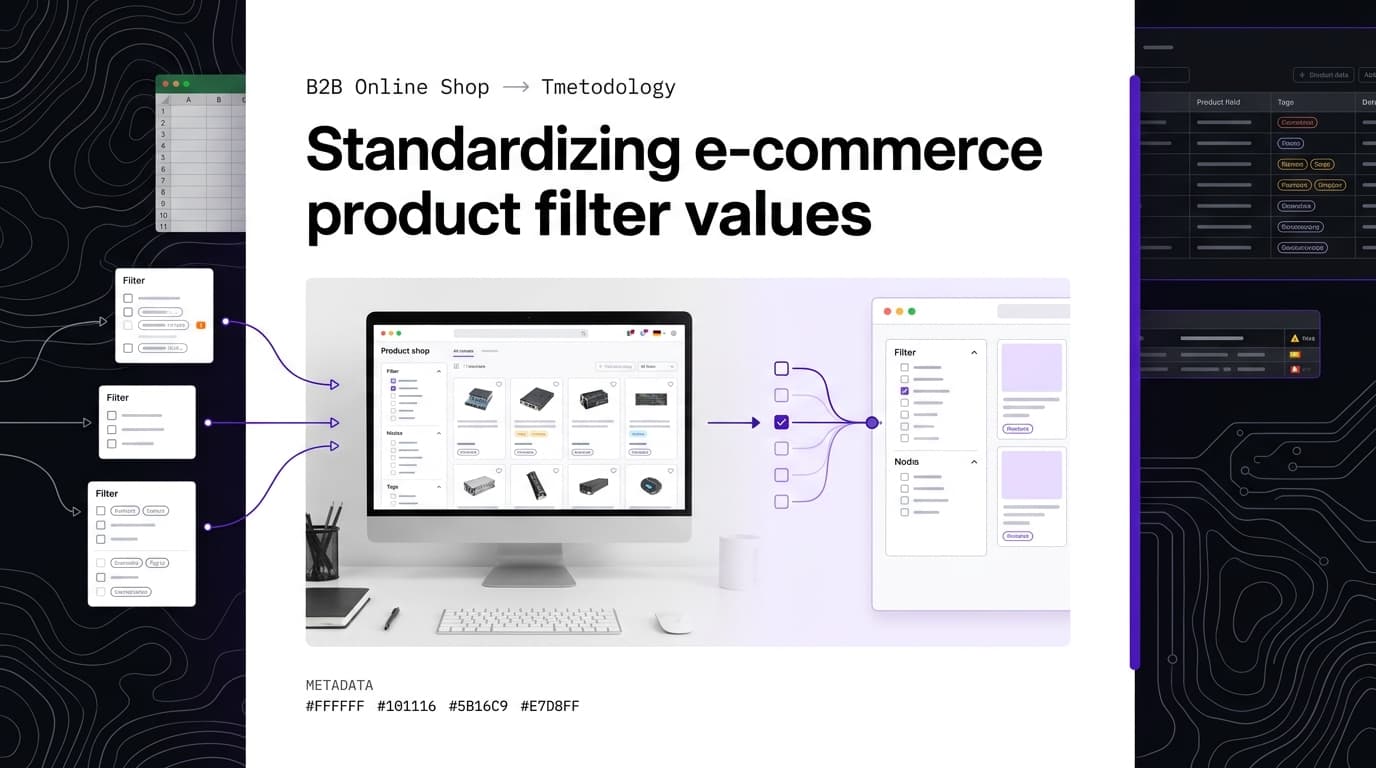
Translating filter values: why one attribute value needs one translation everywhere
When you translate filter values for an online shop, treat them as data units of their own. If the same attribute value comes out differently across one catalog, you get duplicate or incomplete filter entries. The products are still in the range, but faceted search no longer finds them reliably.
The problem: one value, several filter entries
Filter and facet values are among the most fragile parts of a shop translation. Translation tools often process product data row by row or without enough attribute context. So the German attribute value "Edelstahl" (stainless steel) can show up in the French catalog once as "acier inoxydable", once as "inox" and once as "acier inox". To the shop software, those are three different values.
The result is separate filter entries. A buyer who selects "inox" may not see the products listed as "acier inoxydable", even though they are made of the same material. The same thing happens with colors, thread types, finishes and connection types. Empty filter values can appear too, when a translated value is not mapped correctly or does not make it through the import.
The cause is usually sentence-by-sentence translation with no memory of values that were already approved. A generic translation tool does not reliably recognize that many records contain the same attribute value. For consistent filter value translation, extract the value list per attribute, translate each value once under control and write the approved target-language value back to every matching product.
The fix: work on value lists, not product rows
Start by separating technical keys, visible labels and the values that actually drive filtering. Then build one unique value list per attribute. "Stainless steel" appears in it only once, no matter how many products use it. The translation is reviewed once and then assigned to all matching records.
A glossary sets binding translations for technical terms. You don't build it by hand: FacetFlux builds the glossary automatically from your catalog. Recurring attribute values and technical terms get one fixed translation per target language, and your team reviews the list instead of writing it. The page product data translation with FacetFlux shows how that works.
Skip rules protect content that must not be translated: SKUs, GTINs, dimensions, units, norm designations such as EN ISO 20345, protection ratings such as IP65, material codes and CE marks. These stay identical in every product record, and no translation engine should change them.
Glossary and skip rules do different jobs. The glossary controls how technical terms are translated. Skip rules exclude specific strings or fields from translation. Brands, model names and other technical identifiers need their own check on top.
Still, one form everywhere is not automatically right in every language context. entitys stresses terminology consistency across the whole range. Translation-quality research and the MQM error typology add a caveat: identical translations can suppress valid variation, and a term that is formally consistent can be consistently wrong in the wrong context. For technical filter values, one target-language form is the right default, unless product class, sentence role or target market calls for a different one.
In industrial wholesale, classifications such as ETIM or eCl@ss can serve as a reference. Both provide class names, feature names and value lists in several languages. They don't replace checking how your own data is mapped in your PIM or shop.
BMEcat is an XML-based exchange format with sections such as HEADER, T_NEW_CATALOG, PRODUCT, PRODUCT_FEATURES and MIME_INFO. It defines the transport format but not how features or units in the PRODUCT_FEATURES block must be named. So check target labels, technical keys and the expected structure before import.
Your PIM or shop stays the leading system for product and master data. A translation and check step in front of it prepares the value lists. It does not take over subject-matter responsibility or validation in the target system.
Who this is for: shop managers and their buyers
The main users are e-commerce and shop managers who maintain multilingual catalogs, filters and facets. Their data work hits buyers directly, because buyers pick technical products through search fields and feature filters.
Buyers prefer product pages in their own language. A clear translation is a basic requirement for a multilingual shop. It must also be structurally correct: if the French names for one material or thread type drift apart, the buyer sees only part of the range.
For shop managers, the hard part is often the uneven quality of supplier data. Files arrive as Excel, CSV, PDF or BMEcat and use different spellings for the same properties. Before translation, keep technical keys, display variants and standardized values apart. Not every visible label is the technical value the target system filters on. How supplier data gets into your own import format is covered in import supplier data without retyping.
With recurring catalog updates, you also need to know which data is already approved and what actually changed. Delta detection can limit rework to the changed fields. How much that changes cost or lead time in your catalog depends on its data structure and the share of new values. FacetFlux charges per character and language; see pricing for the current price.
Special cases: units, norms and brands
Units, dimensions, norm designations and brands are the typical special cases in product data translation. SKUs, GTINs, dimensions, units, norm designations such as EN ISO 20345, protection ratings such as IP65, material codes and CE marks stay unchanged. Their display may need formatting or normalizing, but never translating.
Sentence-by-sentence machine translation can misread a thread size, a trademark or a norm designation. So classify each field first: is it a technical key, a unit, a protected name, a standardized value or free text? Only then decide whether it needs a skip rule or a glossary entry.
Values with different spellings must also be unified before translation. Manufacturers can deliver length, pressure or torque values in different formats. A unit converter helps with the technical check. What counts is the format your target system or the underlying standard expects. A normalized data set lowers the risk that format variants show up as separate filter values.
A typical case is "10 mm", "10mm" or "0.01 m". Technically this can be the same length, but for an import these are three different strings. Before translation, define which unit and which spelling your leading system stores. If the target system translates only the visible value, also check that the numeric or technical key stays unchanged.
For brands and model names, separate the protected name from a descriptive addition. The brand name usually stays as it is, while a freely worded addition can be translated. Norms work the same way: "EN ISO 20345" is not a translation job, but a description next to it such as "safety shoes" belongs in the glossary and may need a subject-matter check per target market.
In practice, a decision list with four outcomes works well: keep unchanged, format or normalize, translate via the glossary, or review manually. That makes it traceable why a value like "IP65" stays unchanged, "stainless steel" gets a fixed target-language form and an ambiguous product class name is not approved automatically.
Check before you import
After the translation run comes technical validation. The most important test for consistent filter values is to compare the unique feature values per language. Check not only the count but also how the values map.
If the target-language list differs from the source list, there are several possible causes: identical source values were translated differently, spellings were not normalized, or different source values were merged by mistake. A plain count flags a warning, but it does not replace checking each mapping.
A value table works well for the check, with source value, target value, attribute, product or class reference and technical key. For "material", it should show whether all records with "stainless steel" point to the same French filter value. For "color", spelling variants such as "dark blue" and "Dark blue" must first be recognized as a spelling problem. For a thread type, also check whether designation, size and thread direction are stored separately or have ended up in a single text field.
Then compare the affected products, not just the value lists. A value can look right in the target language and still hang on the wrong product. A sample per attribute and per supplier helps find such mapping errors. Pay special attention to products with variants, several materials or several classifications, because identical values from different data sources meet there.
Also check the PRODUCT_FEATURES block of the BMEcat export and the fields your PIM or shop uses as the visible filter value and as the technical key. Which fields a target system imports as display value, key or enum cannot be answered in general; check it per system. Find empty target-language fields with the data completeness check.
A useful import check answers several questions. Is every mandatory field present? Are there empty target-language values? Do skip fields come out unchanged? Does a technical key suddenly contain a translated string? Are several target values written to the same source value although they don't belong together? Document the answers so later catalog updates follow the same rules.
That turns filter value translation into a process you can control: identical source values are treated consistently, values that must not be translated stay protected, and context-dependent special cases get the review they need. The full workflow is in the product data translation guide.
Sign up free and get trial credits
Sources
- Produktdaten übersetzen: Warum das kein Textprojekt ist, sondern ein Datenprojekt
- E-Commerce-Übersetzung 2026: Was tatsächlich funktioniert
- Produktkataloge übersetzen: vom PIM-Export in jeden Markt
- Translation Memory: bis 70 % sparen | Übersetzungsagentur tolingo
- Übersetzungen für E-Commerce & Handel | Fachübersetzungen für den E-Commerce
- ETIM BMEcat – Standardisiertes Austauschformat für elektronische Produktkataloge
- Jenseits von BMEcat: Deep Dive in eCl@ss & ETIM für dein PIM